
Landing page checklist for paid campaigns
Check message match, mobile usability, and conversion tracking before sending paid traffic to a new landing page.
SHAL Media · Field notes
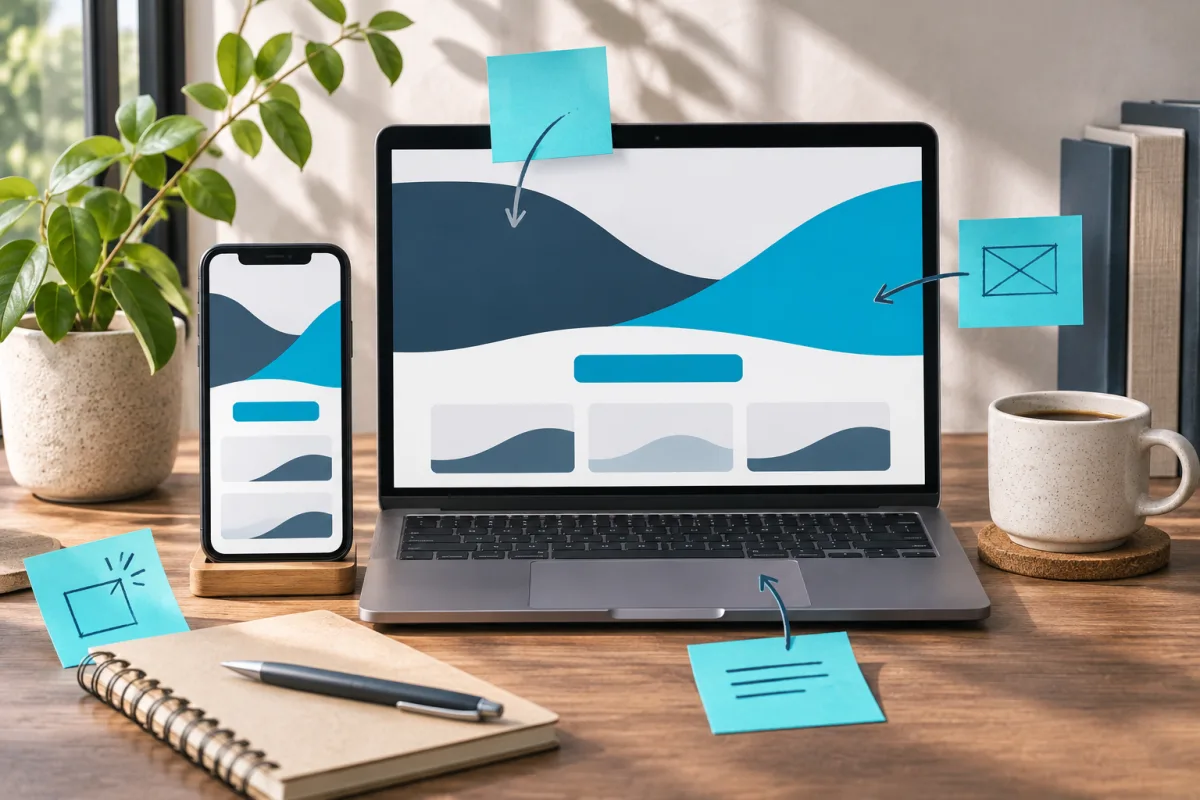
Open the ad and the landing page side by side. A visitor should recognize the same offer, audience, and action in both. If the ad says “book an appointment” and the page asks for a general enquiry, resolve that mismatch before spending on traffic.
Make the next step obvious on a phone
Load the page on a small screen. Confirm the headline explains the offer and the primary button is easy to find. Tap it with one hand. Check whether the form, scheduler, or checkout remains usable when the keyboard opens. Test slow loading, validation errors, and the confirmation state.
Remove fields that nobody uses, while keeping what the receiving team needs for follow-up. If a call is an option, show when someone can answer and give visitors a useful fallback.
Put decision-making details near the action
Include the practical details someone needs before proceeding, such as service area, appointment availability, or what happens after submitting. Use customer evidence only when you can verify it and have permission to publish it. Match any time or price claims to what the visitor will see in the next step.
Check the complete handoff
Submit a test and confirm a real record appears in the destination system. Check campaign parameters and verify that reloading the confirmation page does not create a second conversion. Record the expected behavior so the next page update can be tested against it. For sales-led campaigns, see qualified lead tracking .